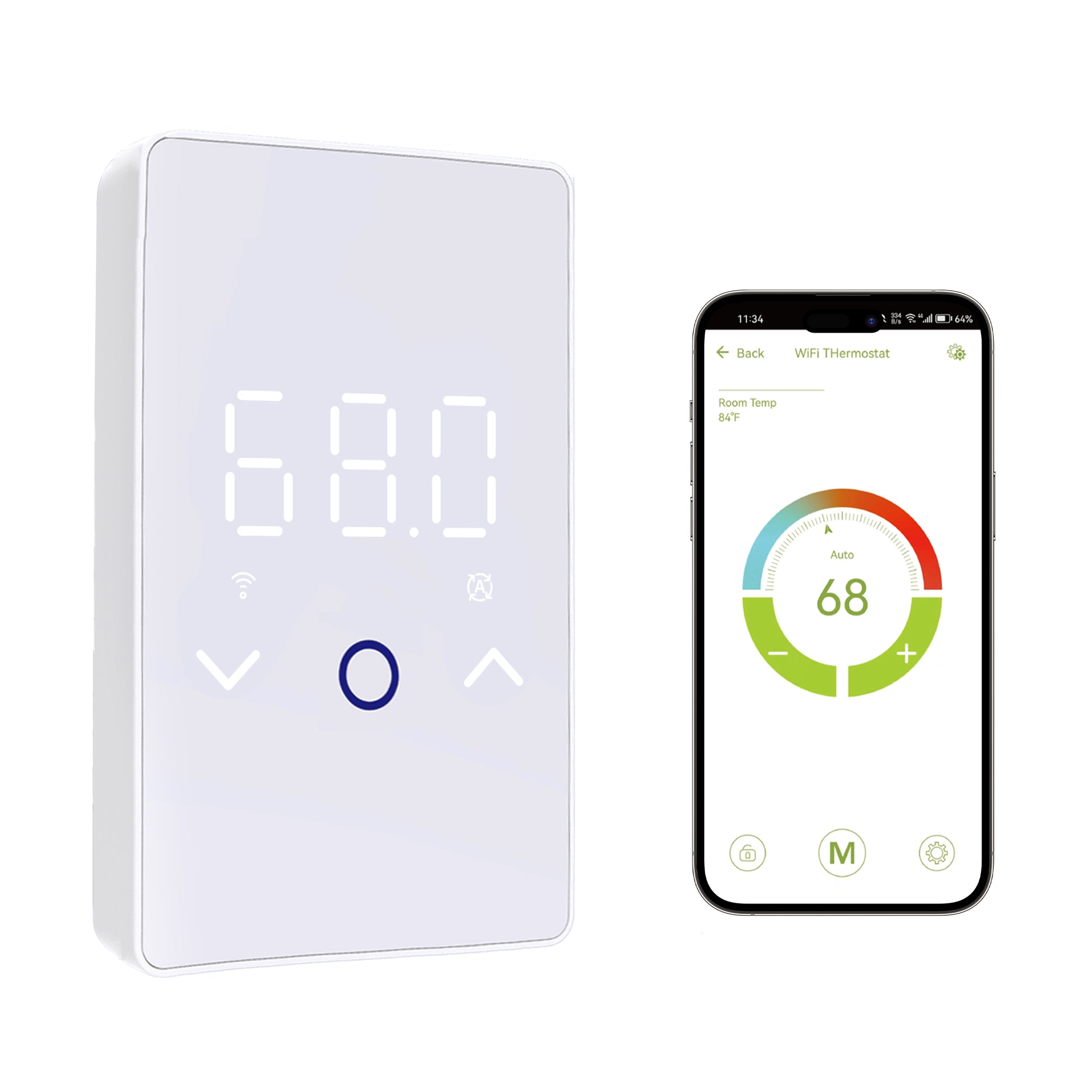
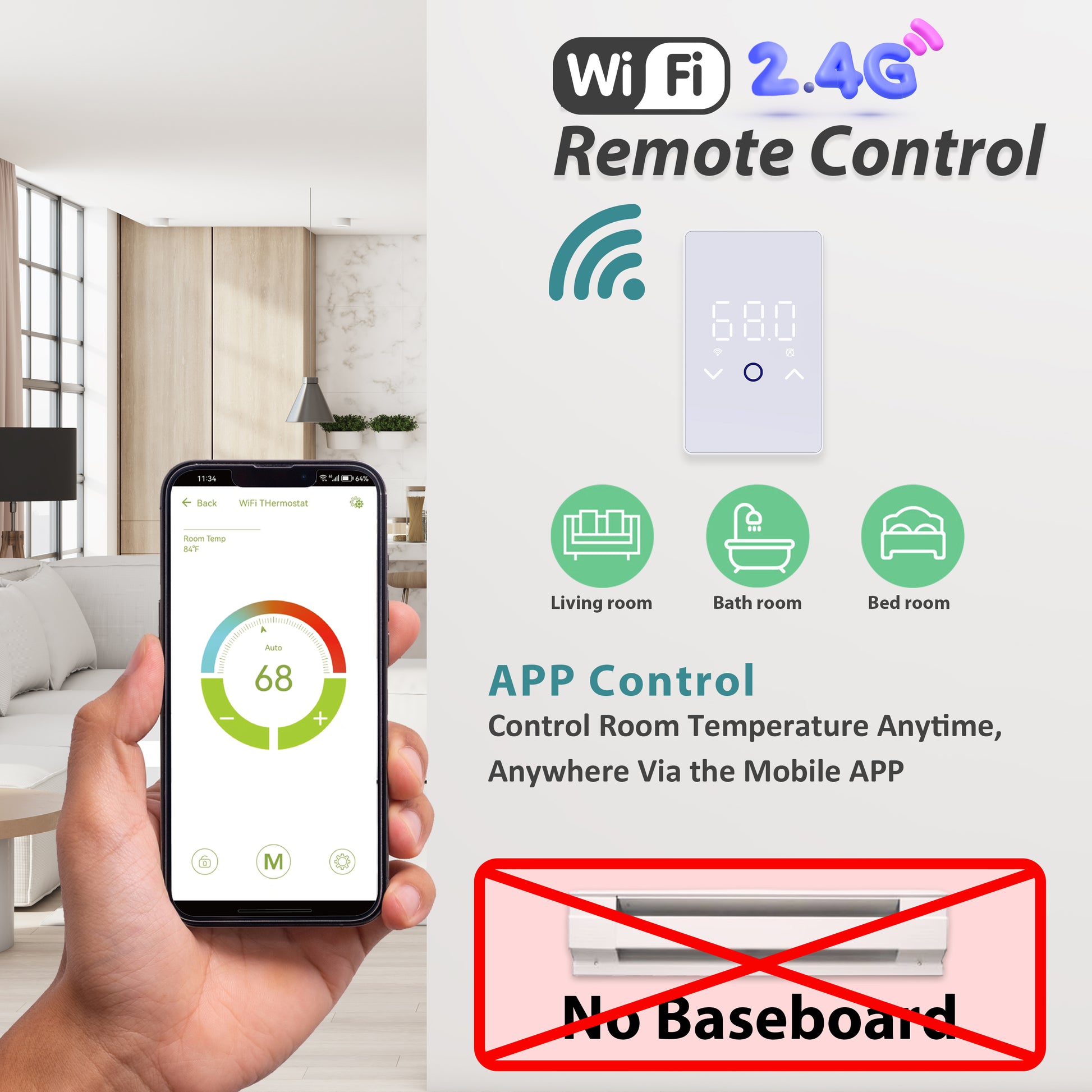
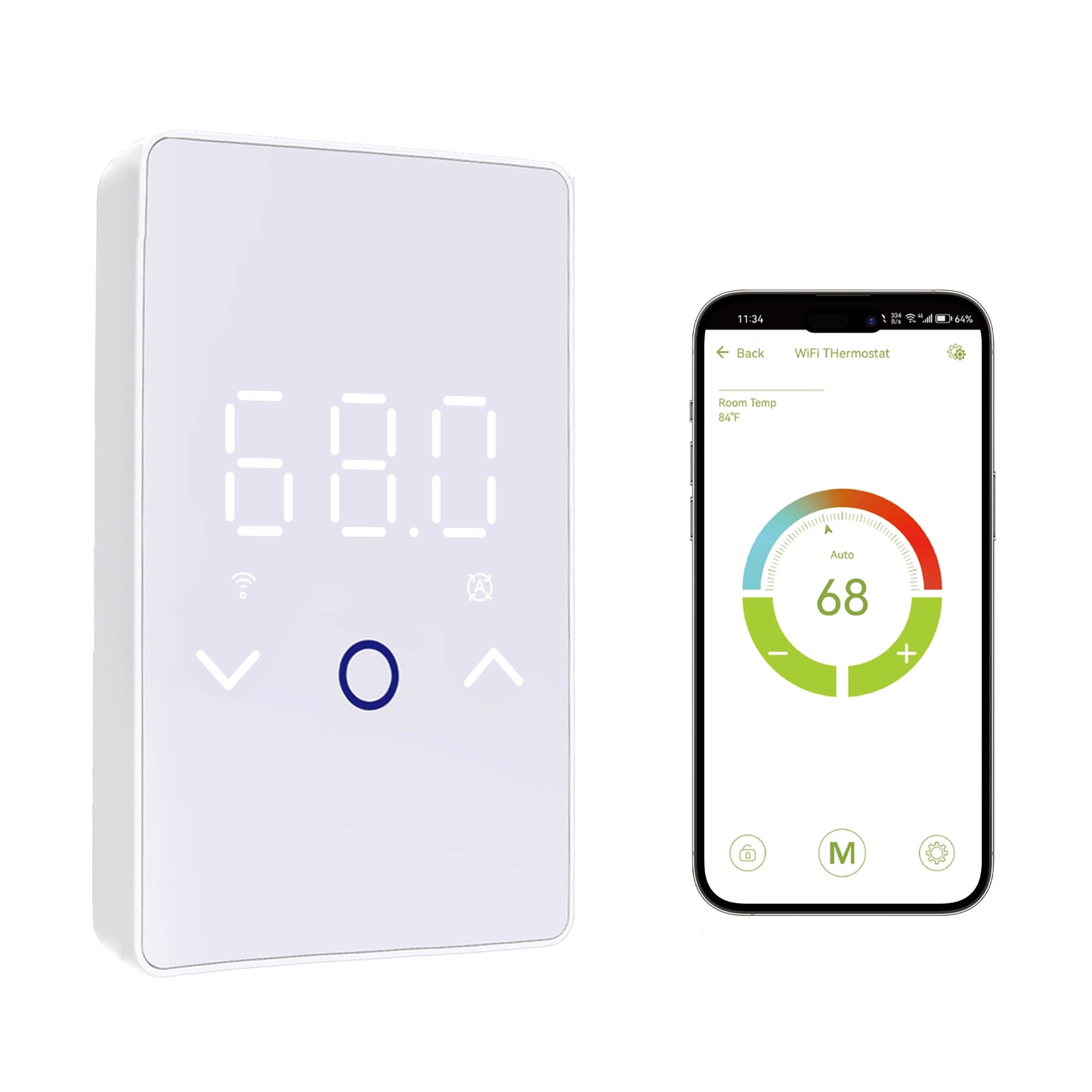
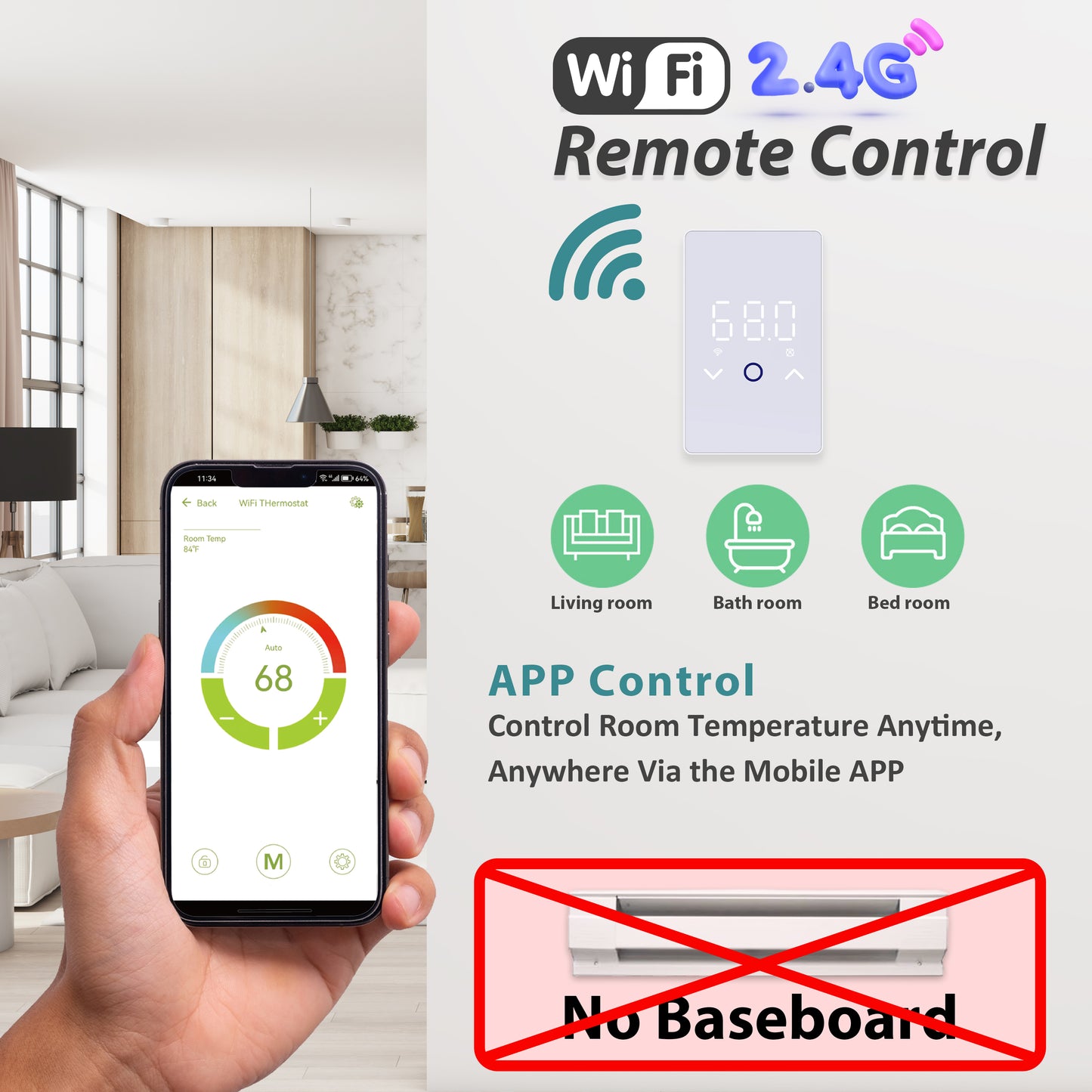
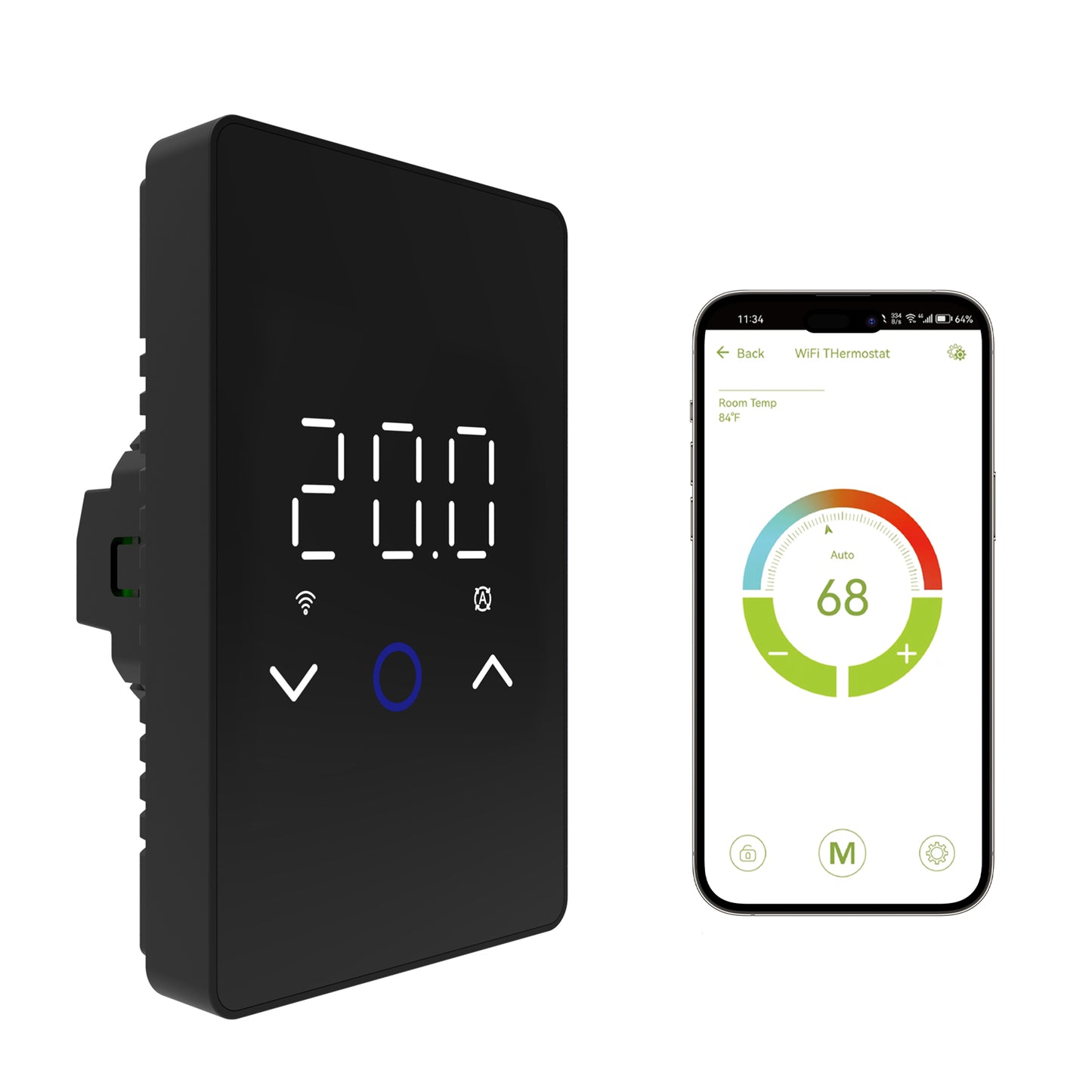
The MAXKOSKO ES29AW 7-day schedule lets you match electric floor heating to your weekly routine through the Smart Life App or thermostat controls. You can choose a simpler 5+1+1 program for consistent weekdays or customize every day individually. This guide also explains temporary temperature changes, the Monday green highlight, and why Adaptive Heating may start your floor before the scheduled time.
Before You Program the ES29AW Schedule
The MAXKOSKO ES29AW is designed for compatible 120V and 240V electric floor heating cables and mats. It can be controlled from the touchscreen or through the Smart Life App when connected to compatible WiFi.
Before creating a schedule, make sure:
- The thermostat is already installed and operating normally.
- The correct temperature unit, °F or °C, is selected.
- The appropriate Floor, Room, or Combined sensor mode has been configured.
- The thermostat clock and Smart Life App time settings are correct.
- The system is in a programmable operating mode rather than permanent Manual mode.
Scheduling Does Not Change the Electrical Rating
The ES29AW supports a maximum resistive heating load of 15A. Programming a schedule does not allow a larger heating load to be connected to the thermostat.
Choose Between 5+1+1 and 7-Day Scheduling
The first decision is how much day-to-day customization you actually need.
5+1+1 Mode
Monday through Friday share one schedule, Saturday has a separate schedule, and Sunday has another. This works well when your weekday routine is relatively consistent.
7-Day Mode
Each day of the week can be programmed individually. Choose this when Monday, Tuesday, weekends, or other days have noticeably different routines.
| Your Routine | Practical Schedule Choice |
|---|---|
| Similar Monday–Friday routine | 5+1+1 is usually easier to maintain. |
| Saturday and Sunday differ from weekdays | 5+1+1 still provides separate weekend settings. |
| Each weekday is different | Use the individual 7-Day schedule. |
| Work-from-home days vary | 7-Day mode gives more control over each day. |
| You want one fixed temperature | Permanent Manual mode may be simpler than creating a weekly schedule. |
How to Program a 7-Day Floor Heating Schedule
The exact screen layout may vary slightly with app updates, but the basic programming logic is to select a day, set its heating periods and target temperatures, save the settings, and then repeat the process for the remaining days.
Open the Thermostat in Smart Life
Open the Smart Life App and select the connected ES29AW thermostat.
Open the Schedule or Program Menu
Enter the thermostat scheduling controls and select the individual 7-Day programming option.
Select the Day You Want to Edit
Choose Monday, Tuesday, Wednesday, or another day from the weekly interface. The highlighted day is the day currently being edited.
Set the Time Periods and Temperatures
Enter the desired heating times and temperature targets according to your daily routine.
Save the Day
Confirm or save the schedule before leaving that day's programming screen.
Repeat for the Other Days
Select each remaining day and enter the desired program. Review the completed week before relying on the schedule.
Return to Auto Mode
Make sure the thermostat is in its automatic scheduled operating mode so the saved program can run.
Why Does Only Monday Appear Green in the Smart Life App?
This is a common source of confusion when users first open the 7-Day schedule.
In the current ES29AW scheduling interface, a green Monday generally indicates that Monday is the currently selected day.
It does not necessarily mean:
- Only Monday has been saved.
- The other six days are disabled.
- The weekly schedule has failed.
- The Smart Life App is disconnected.
Tap Tuesday or another day to move the selection and review or edit that day's settings.
Check the Schedule, Not Just the Highlight Color
If you are unsure whether the other days were saved, open them individually and confirm their programmed time periods. The green highlight itself is primarily an editing indicator.
Auto Mode vs Manual Mode
Understanding operating mode is important because a correctly programmed schedule will not behave as expected if the thermostat is left in the wrong mode.
| Mode | What It Does |
|---|---|
| Auto Mode | Follows the saved programmed schedule. |
| Temporary manual adjustment in Auto | Lets you change the temperature temporarily; the programmed schedule resumes at a later scheduled event according to the thermostat's control logic. |
| Manual Mode | Maintains a manually selected temperature instead of following the normal weekly program. |
If the thermostat seems to be ignoring your schedule, first check whether it is still in Manual mode.
How Temporary Manual Override Works
Sometimes your normal schedule is correct, but you temporarily want a warmer or cooler floor.
For example, you might normally lower the floor temperature during the afternoon but decide to stay home that day.
While operating in the scheduled mode, a manual temperature adjustment can temporarily change the target without requiring you to rewrite the complete weekly program.
When the next applicable scheduled event takes control, the thermostat can return to the programmed temperature.
Use Manual Mode for an Ongoing Fixed Temperature
If you do not want the schedule to resume and instead want the thermostat to remain at one selected temperature, switch to Manual mode rather than repeatedly overriding the automatic program.
What Is Adaptive Heating on the ES29AW?
Adaptive Heating changes how the thermostat interprets the scheduled time.
With Adaptive enabled, the thermostat can learn the approximate warm-up behavior of the installed floor-heating system and begin heating before a scheduled event so the selected temperature is approached by the scheduled time.

For example, suppose the schedule calls for approximately 22°C (72°F) at 7:00 AM.
With Adaptive Heating enabled, the thermostat may begin heating earlier than 7:00 AM because an electric floor can require time to warm through the flooring assembly.
Adaptive Heating May Need Time to Learn
The thermostat may require several days of normal operation to estimate the warm-up time of the installed floor system. Warm-up behavior can vary with flooring material, subfloor, insulation, starting temperature, heating output, and room conditions.
Why Does My Floor Start Heating Before the Scheduled Time?
If your floor heating starts before the time shown in the weekly program, check whether Adaptive Heating is enabled before assuming the schedule is wrong.
There are two different scheduling preferences:
Warm by the Scheduled Time
The thermostat may begin heating earlier so the floor or controlled space can approach the target temperature by the scheduled event.
Start at the Scheduled Time
The heating command begins at the programmed time rather than intentionally starting early for warm-up compensation.
If you prefer heating to begin only when the scheduled time arrives, disable Adaptive Heating in the applicable advanced setting.
Does a Floor Heating Schedule Save Energy?
A schedule can help reduce unnecessary operating time by lowering the temperature or reducing heating demand during periods when floor warmth is not needed.
However, there is no universal percentage of energy savings that applies to every floor-heating installation.
Actual energy use depends on factors such as:
- Heating cable or mat output
- Floor area
- Target temperature
- Hours of operation
- Floor construction
- Insulation beneath the heating system
- Room heat loss
- Outdoor temperature
- Adaptive Heating behavior
A practical approach is to schedule comfort periods around the times you actually use the floor rather than maintaining the same high target temperature throughout every hour of the week.
A Practical Bathroom Floor Heating Schedule
The right schedule depends on your household, but a bathroom is a useful example because comfort is often needed at predictable times.
| Time Period | Possible Strategy |
|---|---|
| Early morning | Use a comfort target for the period when the bathroom is normally used. |
| Workday / away period | Use a lower target when continuous warm-floor comfort is not needed. |
| Evening | Raise the target again before the normal evening-use period. |
| Overnight | Use a lower target if continuous overnight floor warmth is unnecessary. |
Do not copy another home's exact temperature settings without considering your flooring requirements, sensor mode, comfort preference, and floor-temperature limits.
If the Schedule Seems to Run at the Wrong Time
If the thermostat is consistently early or late, work through the scheduling settings before changing electrical wiring or replacing equipment.
Check Auto vs Manual Mode
Make sure the thermostat is actually following its automatic program.
Check the Selected Day
Confirm that you edited the correct day and that the desired schedule was saved.
Check Adaptive Heating
An early start may be intentional when Adaptive Heating is enabled.
Check Time and Time Zone
Review the thermostat and Smart Life App time settings, especially after a time-zone change or Daylight Saving Time transition.
Review Each Day Separately
In 7-Day mode, do not assume one day's program was automatically copied to all seven days.
When the Problem Is Not the Schedule
A thermostat schedule controls when the system calls for heat. It cannot correct a sensor fault, damaged heating cable, incorrect wiring, missing electrical protection, or a floor-heating system that is not operating correctly.
If the thermostat displays an E1 or E2 error instead of following the schedule, use the MAXKOSKO E1 and E2 thermostat troubleshooting guide.
Do Not Open a Line-Voltage Thermostat Just to Fix a Schedule
Schedule programming is a settings task. If troubleshooting requires removing the thermostat, accessing line-voltage wiring, or investigating overheating, repeated breaker trips, or damaged terminals, disconnect power and use a qualified electrician.
ES29AW Scheduling Checklist
- Choose 5+1+1 when Monday through Friday share a similar routine.
- Choose 7-Day mode when individual days need different schedules.
- In the app, a green Monday generally indicates the currently selected day.
- Review and save each day when creating an individual 7-Day program.
- Use Auto mode when you want the thermostat to follow the weekly schedule.
- Use a temporary adjustment when you only need a short-term temperature change.
- Use Manual mode when you want one ongoing fixed temperature instead of the weekly program.
- Adaptive Heating may intentionally start the floor before the scheduled event.
- Turn Adaptive off if you want heating to begin at the programmed time rather than warming in advance.
- Scheduling can reduce unnecessary heating periods, but actual energy savings depend on the installed system and how it is used.
Need a Programmable Thermostat for Electric Floor Heating?
The MAXKOSKO ES29AW Smart WiFi Thermostat is designed for compatible 120V and 240V electric floor-heating cables and mats with a maximum resistive load of 15A.
It supports Smart Life App control, 5+1+1 and individual 7-Day scheduling, Adaptive Heating, touchscreen control, multiple sensor modes, and compatible voice-control integrations.
View MAXKOSKO ES29AW Smart Thermostat
Before replacing an existing thermostat, verify system voltage, total heating load, wiring configuration, floor-sensor compatibility, and required ground-fault protection. The ES29AW does not include built-in GFCI protection.
For compatible heating cables, mats, thermostats, and related products, browse the MAXKOSKO floor warming collection.
Frequently Asked Questions
What is the difference between 5+1+1 and 7-Day schedule?
5+1+1 uses one schedule for Monday through Friday, a separate Saturday schedule, and a separate Sunday schedule. 7-Day mode lets you program every day individually.
Why does only Monday appear green in the Smart Life App?
In the current 7-Day scheduling interface, the green highlight generally indicates the day currently selected for viewing or editing. It does not necessarily mean that only Monday has been programmed.
Why is my floor heating turning on before the scheduled time?
Adaptive Heating may be enabled. The thermostat can start heating earlier so the floor or controlled space approaches the selected target temperature by the scheduled event.
How do I make heating start exactly at the scheduled time?
Disable Adaptive Heating in the applicable advanced setting. The thermostat will then follow the programmed start time without intentionally beginning early for warm-up compensation.
Will changing the temperature erase my weekly schedule?
A temporary temperature adjustment while using scheduled operation does not require rewriting the complete weekly program. Permanent Manual mode is different because it stops following the normal weekly schedule.
Why is my thermostat ignoring the 7-Day schedule?
Check whether the thermostat is in Auto mode, confirm the correct days and events were saved, review Adaptive Heating, and verify the thermostat and Smart Life App time settings.
Does the ES29AW work without WiFi?
Yes. Basic thermostat control remains available from the touchscreen. WiFi is required for Smart Life remote access and compatible voice-control features.
Does scheduling guarantee lower electricity bills?
No fixed savings can be guaranteed. Scheduling can reduce unnecessary heating periods, but actual energy use depends on the heating area, floor construction, insulation, temperatures, operating time, and building heat loss.