MAXKOSKO WiFi Smart Thermostat, 15A Programmable Touchscreen for 120V/240V Electric Floor Heating Systems
50 in stock
Couldn't load pickup availability
Payment Reminder
- Our website accepts Visa, MasterCard, and American Express. If you are using a card issued by another bank, please ensure it is enabled for international transactions.
- During payment, you may be required to complete 3D Secure (3DS) verification. Please ensure that the cardholder completes the verification to avoid payment failure.
- If your usual spending amounts are relatively low and you are making a larger purchase, your bank may flag the transaction as a potential risk. If your payment fails, please contact your bank to approve the transaction.
- Delivery: 7-11/5-8 working days.
- Customer Support: Response within 24 hours!
- Customization available: Bulk orders & size customization accepted.

Description
Professional Smart Heating Control:
This MAXKOSKO ES29AW is designed for electric floor warming systems and works with most 120V/240V electric floor heating cables and mats. For best performance, always verify voltage, load, wiring, and floor sensor compatibility before installation. Professional installation by a qualified electrician is recommended.
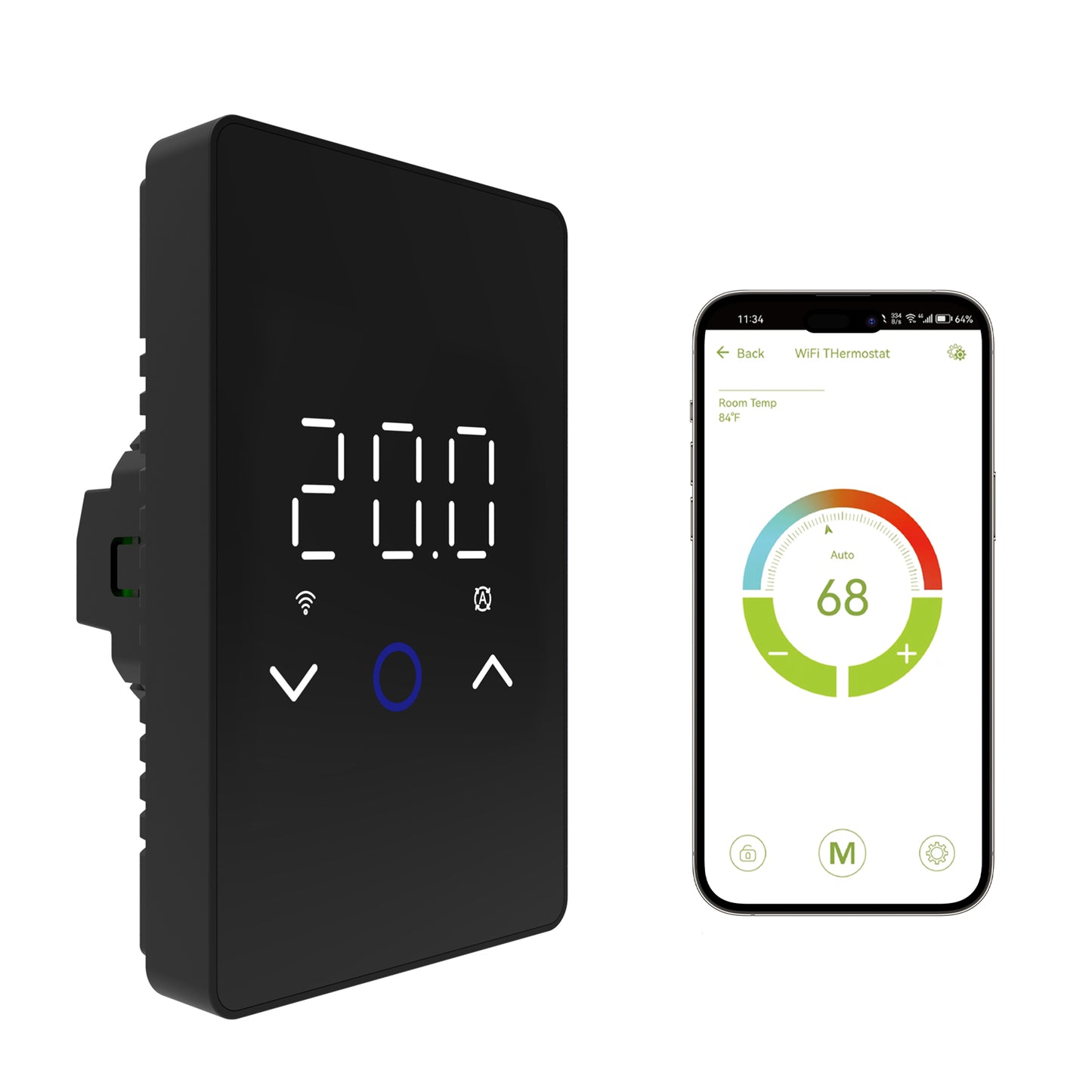
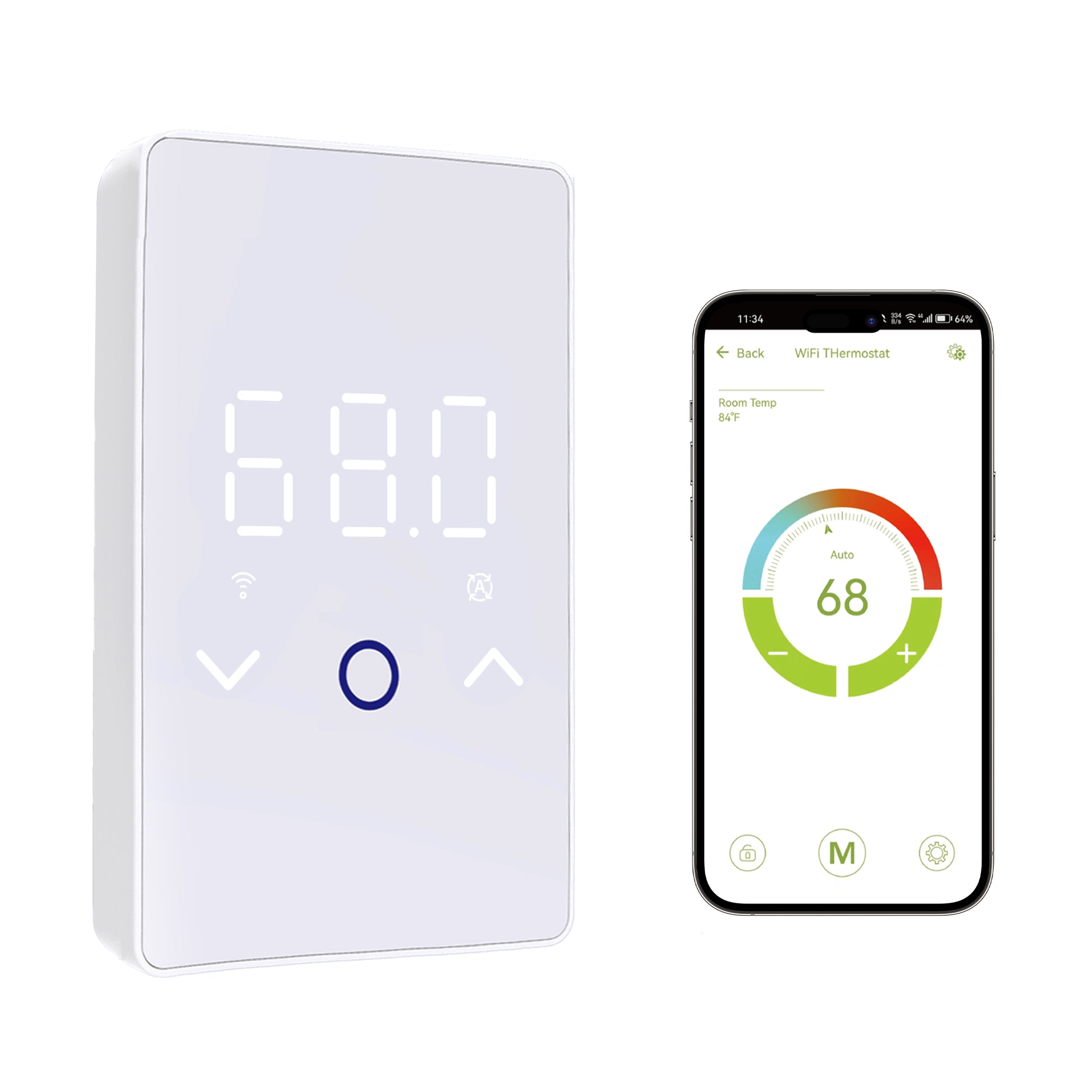
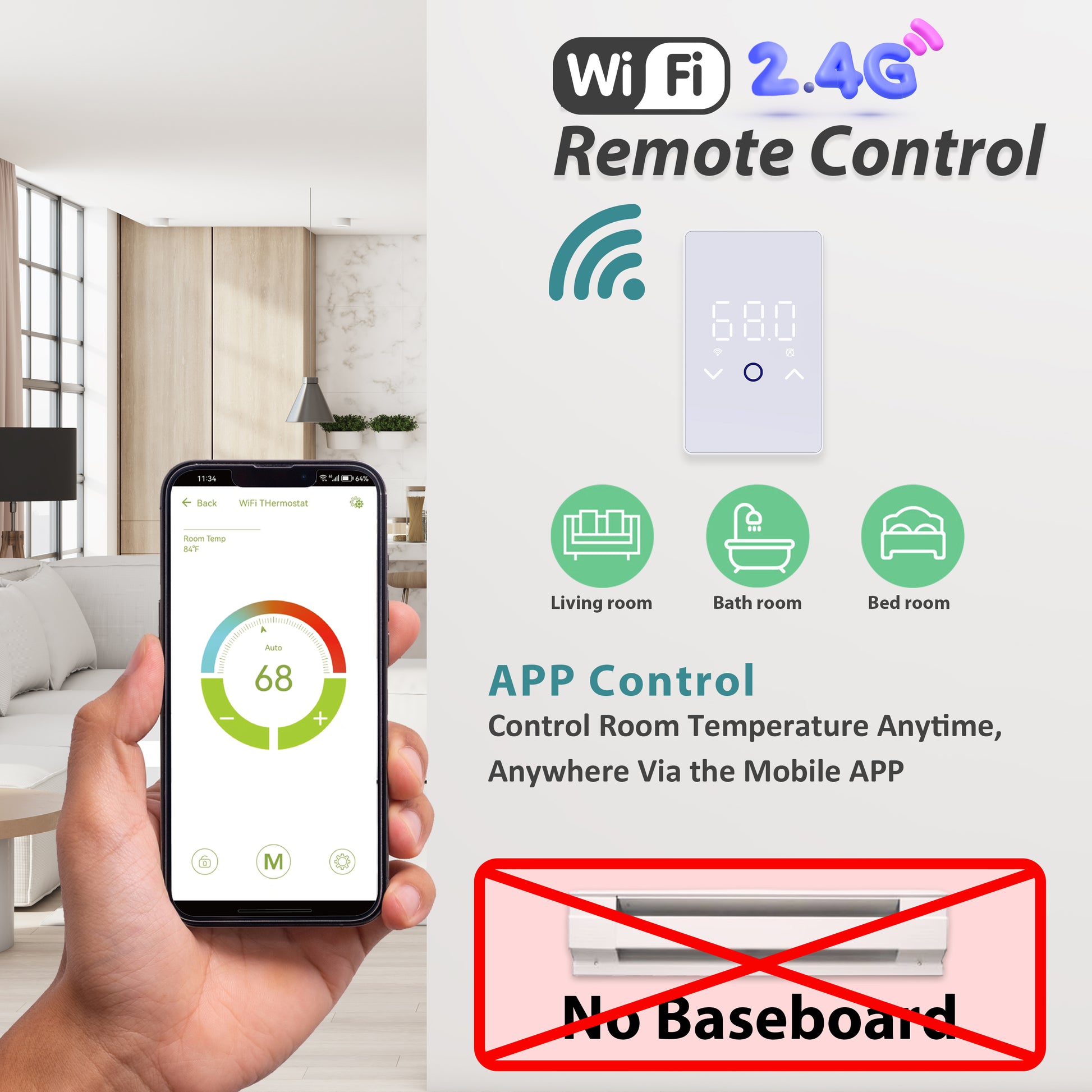
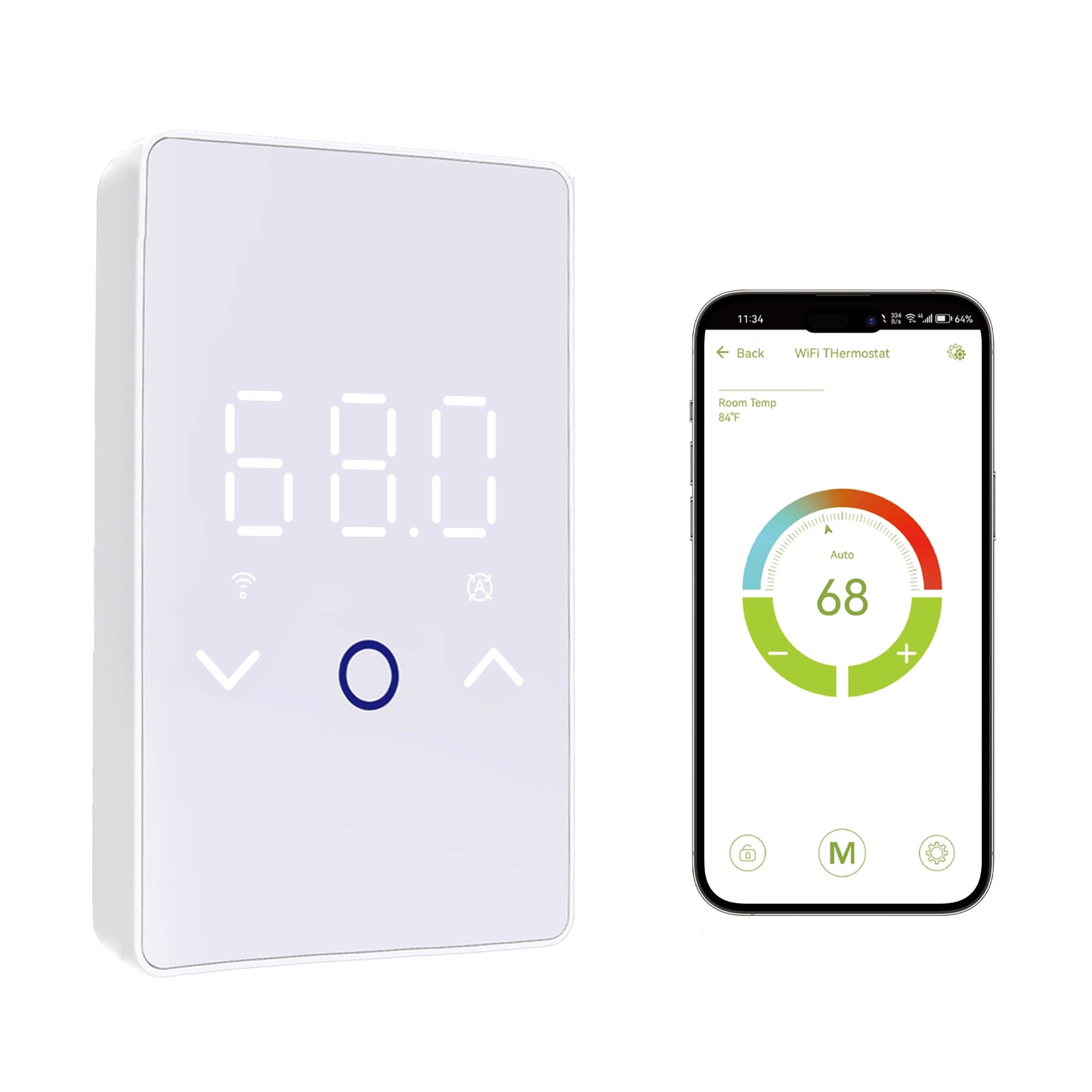
ES29AW is an intelligent heating control device designed for electric floor warming systems. It allows you to precisely adjust the temperature via the "Smart Life" app, ensuring maximum comfort when you're at home and significant energy savings on your heating bills when you're away.
Core Features & Technical Specifications:
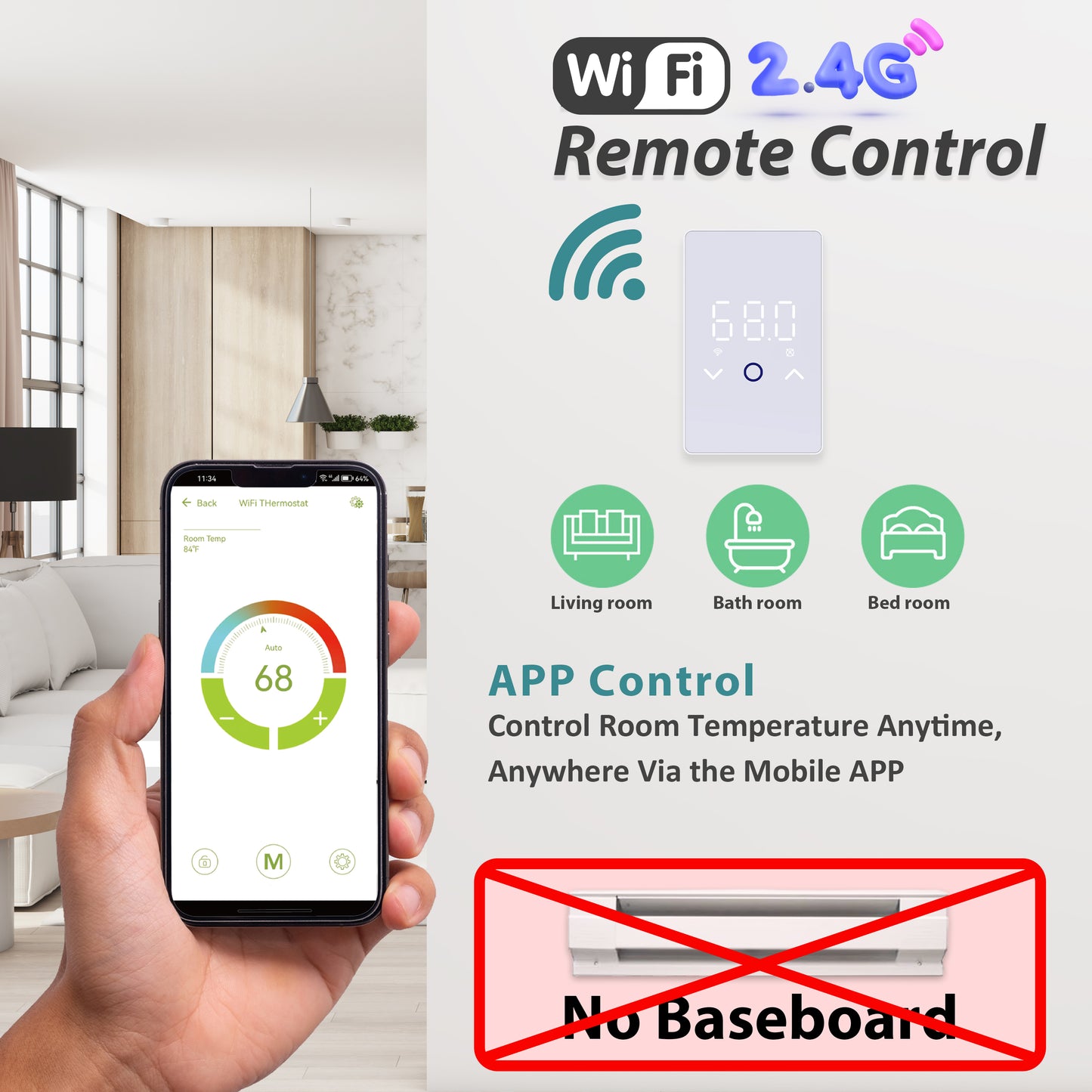
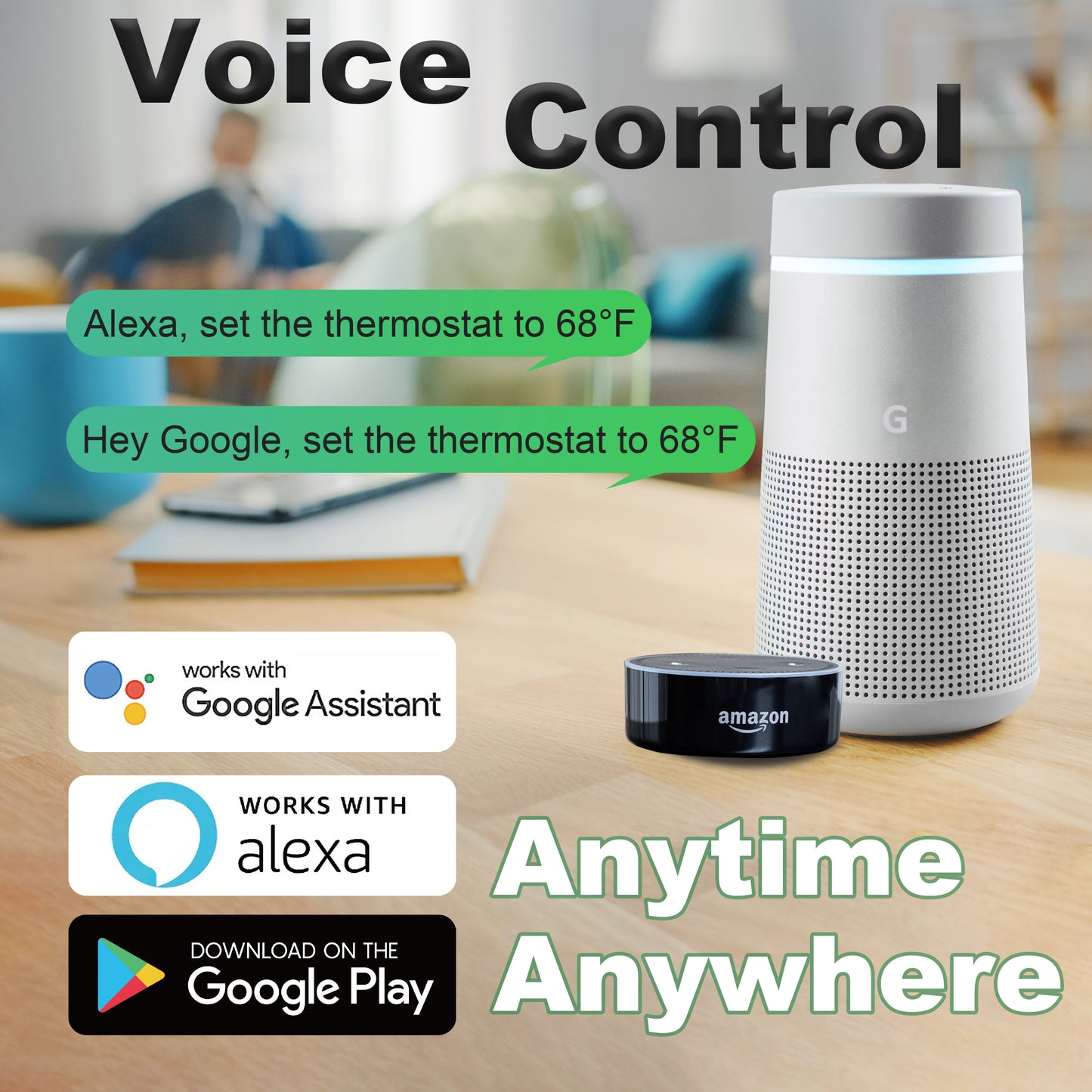
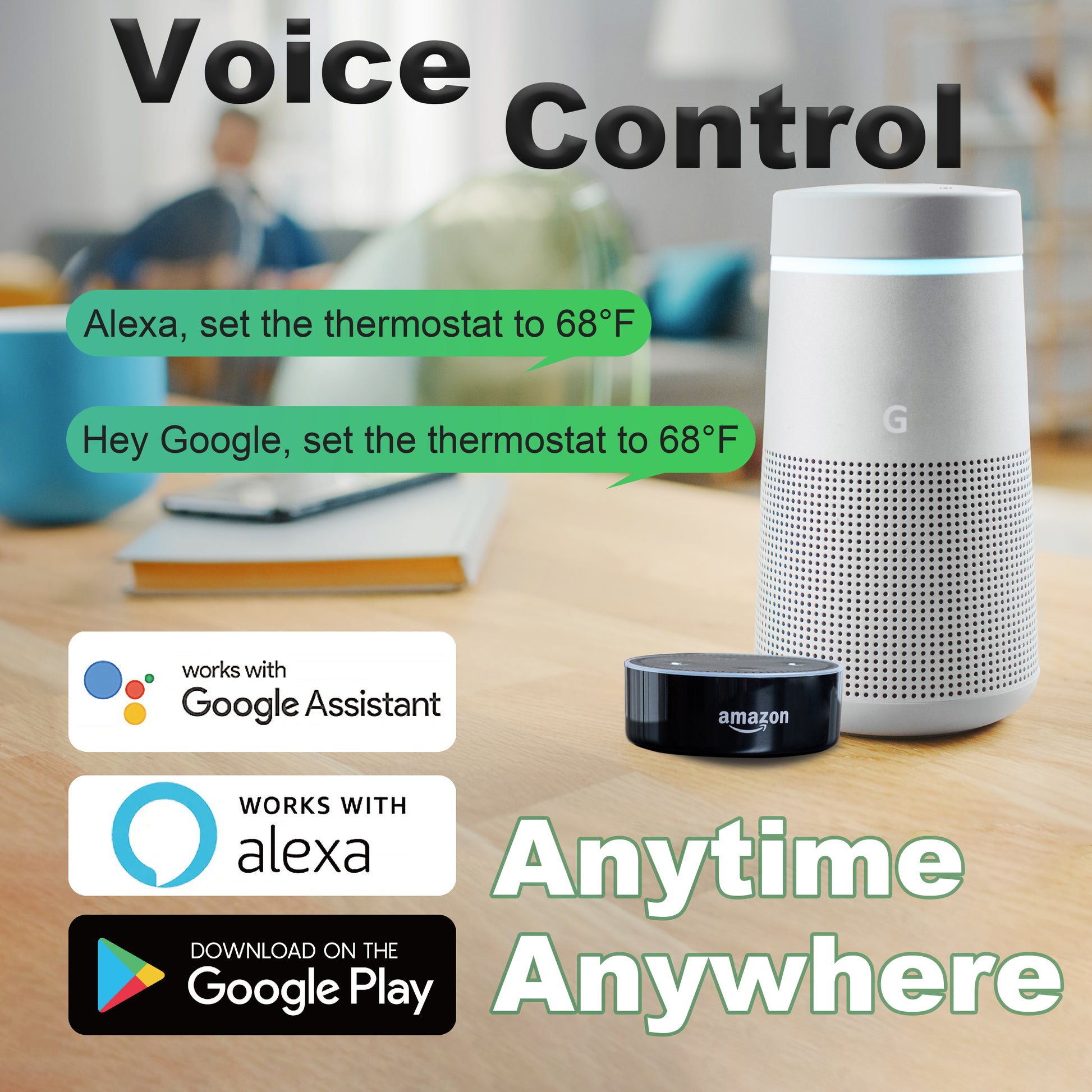
Remote & Voice Control: Effortlessly manage your floor heating from anywhere using your smartphone. Fully compatible with Alexa and Google Assistant for hands-free voice-activated convenience.
Programmable Energy Saving: Features customizable schedules that adapt to your lifestyle. No manual daily adjustments needed—set your preferences and let the smart logic maximize your energy efficiency.
System Compatibility: Designed to work with most 120V/240V electric floor heating cables and mats. For optimal performance, always verify voltage, load (Max 15A), wiring, and floor sensor compatibility before installation.
Sensor Flexibility: The unit comes with a dedicated floor sensor. Existing third-party sensors may be used only if the resistance type is compatible and correctly selected within the device settings.
Safety First: Supports a maximum 15A resistive load. To ensure compliance with local electrical codes and maximize device longevity, professional installation by a qualified electrician is strongly recommended.
Important Note: This product does not include a built-in GFCI (Ground Fault Circuit Interrupter). Please ensure your circuit is protected according to local regulations.


Install & Connect the Thermostat for Floor Heating
Unboxing the WiFi Smart Thermostat
FAQ of Compatibility
-
Is the ES29AW compatible with most electric floor heating systems?
Yes. The ES29AW is designed for electric floor warming systems and supports both 120V and 240V applications. It can work with many electric floor heating cables and mats, as long as the voltage, total load, wiring method, and floor sensor type are compatible. Before installation, please confirm your system voltage, total heating load, sensor type, and local electrical code requirements. Professional installation by a qualified electrician is recommended.
-
Can I use the ES29AW to replace my old floor heating thermostat?
Yes, in many cases the ES29AW can be used to replace an old electric floor heating thermostat. However, replacing a thermostat is not only about matching the wires. You also need to confirm whether the existing floor sensor is compatible with the new thermostat. If the original floor sensor cannot be replaced, please confirm its resistance value and select the matching sensor type in the thermostat settings.
-
Can I use your thermostat with the floor sensor from my existing thermostat?
Our first recommendation is to use the floor sensor included with the ES29AW, because it is matched to the thermostat and provides the most reliable temperature reading. If your existing sensor is already installed under the floor and cannot be removed or replaced, you must know the sensor resistance type first. Then select the corresponding sensor type in the ES29AW settings. Only when the sensor type is compatible and correctly selected should the existing sensor be used.
-
What can happen if I use the wrong floor sensor?
Using the wrong floor sensor can cause inaccurate temperature readings and unstable heating control. Different NTC sensors may have different resistance values and Beta curves. If the thermostat calculates temperature based on one sensor type while the actual sensor is different, the displayed floor temperature may be higher or lower than the real floor temperature. This may cause the system to stop heating too early, heat longer than expected, or appear inconsistent.
FAQ of Sensor & Temperature
-
What sensor types does the ES29AW support?
The ES29AW includes a matching floor sensor. The default sensor type is 10k NTC, B25/50 = 3380. The thermostat also provides sensor type settings for different compatible resistance ranges. If you are replacing an old thermostat and keeping the existing floor sensor, please confirm the sensor resistance and choose the corresponding sensor type in the thermostat settings.
-
What is the difference between the floor sensor and the room sensor?
The ES29AW has two temperature sensing sources. The external floor sensor is installed in the floor and measures the floor temperature. The internal room sensor is built inside the thermostat and measures the air temperature around the thermostat. The thermostat can work in Floor, Room, or Both sensor mode depending on your installation and control preference.
-
What is the difference between Floor, Room, and Both mode?
Floor Mode controls heating based on the external floor sensor. This is generally recommended for electric floor warming because it directly measures the floor temperature. Room Mode controls heating based on the internal air sensor inside the thermostat. It may be used when no working floor sensor is available, but it does not directly measure floor temperature. Both Mode uses room temperature for control while using the floor sensor as a floor temperature limit. This can help protect the floor from overheating.
-
Can I use Room mode if my floor sensor is not working?
Room mode can be used as an alternative control method, but it does not directly measure floor temperature. For electric floor heating, a working floor sensor is still recommended for more accurate floor comfort and better floor protection. If your floor sensor is not working, first check the wiring, sensor resistance, and sensor type setting before deciding whether replacement is needed.
-
Why does my thermostat show the wrong floor or room temperature?
Possible causes include wrong sensor type selection, an incompatible existing sensor, poor sensor wiring contact, sensor damage, incorrect sensor placement, or normal temperature difference between the floor and the room air. The ES29AW also includes Room Calibration and Floor Calibration settings. If the sensor is working but the displayed temperature has a small consistent offset, calibration can be used to fine-tune the reading. If the reading is very abnormal, check sensor type and wiring first instead of relying only on calibration.
-
Where should the floor sensor be installed?
The floor sensor should be installed inside the heated floor area and positioned between two heating cable runs. It should not touch or sit directly against the heating cable. If the sensor is too close to the heating cable, it may read a temperature that is higher than the surrounding floor. Using conduit for the floor sensor is recommended because it can make future sensor replacement easier.
-
Why does my tile floor take a long time to warm up?
This is normal in many electric floor heating systems. Tile, thin-set, cement board, and concrete have thermal mass. They take time to absorb heat before the surface feels warm. Heating speed also depends on cable spacing, wattage, floor material, room insulation, starting temperature, and whether Adaptive / Early Start is enabled.
-
Can electric floor heating be used as the main heat source?
In many residential applications, electric floor heating is mainly used as a floor warming system or secondary heat source. Its primary purpose is to make the floor feel warm and comfortable underfoot. Whether it can be the main heat source depends on room size, insulation, climate, heat loss, heating output, and installation design.
FAQ of Wiring & Safety
-
Does the ES29AW support both 120V and 240V?
Yes. The ES29AW supports both 120V and 240V electric floor heating systems. Please confirm your supply voltage before installation and follow the wiring diagram in the manual. If you are not sure whether your system is 120V or 240V, please ask a qualified electrician to check it.
-
How should a 240V system be wired?
In many North American 240V floor heating installations, there are two hot lines, L1 and L2, instead of one hot and one neutral. Wire colors can vary, and a white wire in a 240V circuit may be used as a hot conductor if properly identified. Do not rely on wire color alone. A qualified electrician should verify the circuit and connect the thermostat according to the wiring diagram.
-
What is the maximum load?
The ES29AW should be used within a maximum 15A resistive load. Do not exceed the rated current. For larger floor heating areas or multiple heating mats/cables, use separate thermostats or an appropriate relay/contactor solution designed by a qualified electrician.
-
Does the ES29AW include built-in GFCI?
No. The ES29AW does not include built-in GFCI protection. Electric floor heating systems should be installed with appropriate ground-fault protection according to local electrical code requirements. Please consult a qualified electrician.
-
Why is proper wire stripping important?
Proper wire stripping is essential for safe electrical contact. If the insulation is not stripped cleanly, the terminal may clamp onto the insulation instead of the metal conductor. This can create poor contact, higher resistance, and local overheating. Make sure the conductor is properly exposed and securely clamped before tightening the terminal.
-
Can this thermostat be used for HVAC, cooling, baseboard heaters, or wall heaters?
No. The ES29AW is designed for electric floor warming systems. It is not intended for HVAC systems, cooling systems, gas heating systems, or general wall-mounted heaters. Use it only within its specified application and load rating.
FAQ of Schedule & App
-
What app does the ES29AW use?
The ES29AW works with the Smart Life app. After connecting the thermostat to the Smart Life app, you can control temperature, schedules, advanced settings, and compatible voice control integrations.
-
Why can’t the app find my thermostat?
Please use a 2.4GHz WiFi network, not 5GHz. Make sure Bluetooth is enabled on your phone, the app has the required permissions, and the WiFi icon on the thermostat is flashing quickly. Keep the phone close to the thermostat during pairing. If the WiFi icon is not flashing, press and hold the down arrow to reset the WiFi pairing state.
-
Does it work with Alexa and Google Assistant?
Yes. After the thermostat is connected to the Smart Life app, Smart Life can be linked with Amazon Alexa or Google Assistant for voice control. Availability may depend on your smart home setup, region, and app account settings.
-
What is the difference between 5+1+1 and 7-day schedule?
5+1+1 mode means Monday to Friday share one schedule, Saturday has one schedule, and Sunday has one schedule. 7-day mode means each day can be programmed individually. If your routine is similar on weekdays, 5+1+1 is easier. If your routine changes daily, 7-day mode gives more flexibility.
-
In 7-day schedule mode, why does only Monday appear green?
In 7-day mode, each day can be set individually. It is normal for Monday to appear green when you first enter the schedule interface because it is the currently selected day. Tap Tuesday, Wednesday, or another day to view or edit that day’s schedule. Monday being green does not necessarily mean the other days are not saved.
-
Why does the thermostat start heating before the scheduled time?
This may be caused by the Adaptive function. When Adaptive is enabled, the thermostat may start heating earlier so the floor or room can reach the target temperature by the scheduled time. If you want heating to start only at the scheduled time, turn Adaptive off in advanced settings.
-
Why did my schedule shift after Daylight Saving Time?
Some devices or app settings may not automatically adjust for Daylight Saving Time in every situation. If your schedule appears one hour off, check the time zone and time settings in the Smart Life app, then review the thermostat schedule.
FAQ of Troubleshooting
-
What do E1 and E2 error codes mean?
E1 means Internal Sensor Failure. This is related to the built-in room temperature sensor inside the thermostat. E2 means External Floor Sensor Failure. This is related to the floor sensor circuit. E2 may be caused by a disconnected sensor, loose wire, poor terminal contact, damaged sensor wire, wrong sensor type setting, or an incompatible existing sensor. Turn off power and have the wiring and sensor checked by a qualified electrician.
-
What should I check if my floor does not heat?
Check the circuit breaker, ground-fault protection device, thermostat power, set temperature, operating mode, schedule, floor sensor connection, heating cable connection, and heating cable resistance. If the thermostat is powered but the floor does not heat, a qualified electrician should verify wiring, load, and cable resistance.
-
What should I check if the floor is warm all the time?
Possible causes include a high set temperature, schedule settings, Adaptive mode, incorrect sensor mode, wrong sensor type, poor sensor placement, or wiring issues. If the system appears to heat even when it should not, turn off power and have the thermostat wiring, sensor wiring, and load checked by a qualified electrician.
-
How do I test the floor sensor?
A floor sensor can be tested with a multimeter by measuring resistance across the sensor wires. A reading near 0 ohms may indicate a short circuit. OL or infinite resistance may indicate an open circuit or disconnected sensor. A normal reading depends on sensor type and temperature. If you are not familiar with electrical testing, please ask a qualified electrician.
-
How do I test the heating cable?
The heating cable resistance should be measured and compared with the product specification. A reading far outside the expected range may indicate a damaged cable or incorrect product selection. Resistance testing should be performed during installation and troubleshooting by a qualified person.
Questions & Answers
Have a Question?
-
How do I reset it the smart app not finding it since WiFi is not blinking. What product/selection should be picket in smart app
Hello. You can press and hold the "downward arrow" on the screen to reset the WiFi.
If you have any other questions, please feel free to contact us.
-
How high the thermostat go. 105 Fahrenheit ?
Dear Andre,
The thermostat is designed for electric underfloor heating and comes with a temperature sensor. It has two temperature modes:
- Room Temperature Mode: 41°F – 104°F
- Floor Temperature Limit: 68°F – 122°F
If the thermostat is in Floor Temperature Mode, you can set it to 105°F, as the floor temperature limit ranges from 68°F to 122°F.
If you need any further details, feel free to email to maxkosko@maxkosko.com!
-
I am heating the floor of my tiny home. There are 2 areas that I would like to be separate - the main living area (100 sq ft) and the bathroom (50 sq ft). Can both heating cables be plugged into the same thermostat and controlled separately? Would the 2 combined require more than a 15 amp circuit?
Yes, you can connect two floor heating mats to one thermostat, but you won't be able to control each mat separately. The combined current of both mats may exceed 15A, so I recommend upgrading the circuit breaker to a 20A for safety. Therefore, the best solution would be to connect each mat to its own thermostat for independent control.